Macropad Demo Videos with AWS Console
I've had this functionality of the macropad working for a couple months now, but the journey to get these videos created was not simple at all. I've gone through a few iterations of animating the macropad on the demo videos and have learned the following skills:
- kdenlive
- krita animation
- assembly 4 freeCAD workbench
- mnesarco freeCAD utils
Open Relative Date Menu and Scroll
Open Absolute Date Menu and Scroll
Open AWS Console Pages
Intro: Macropad Library for the AWS Console
Ok, so this is going to be sort of a catch-up post. I'm changing the way I write my articles (to better suit my working style) and this project has already been in the works for ~1 month. This update might be broken across a few days just due to the amount of detail I need to initially share to get everyone up to speed on the project.
The original problem I was trying to solve stemmed from doing a lot of work in the AWS Console across several accounts. One of the biggest issues you face if you're in an environment like this is having two accounts open at the same time. It's understandable why you'd want to protect against this since you might not realize which account you're working in right away before doing something catastrophic like deleting a CFN stack in your production account (oops...), but for experienced AWS users, I think there should at least be some option out there that caters to this. And at the very least, this specific problem seems to lead towards a google chrome extension for showing a non-removable banner at the top every AWS Console page you visit.
My mind went towards a custom AWS macropad library that would allow for this exact function (switching easily between different accounts) that would let you open commonly used services quickly, and given some macropads even have knobs on them, scrolling through logs/menus would be a cool touch to give it a bit of uniqueness.
As I've been using my Macbook instead of my Linux box lately, I was exploring macro software and came across Keyboard Maestro. While yes, I know that I could build something with similar functionality to what I wanted to initially do (and this still is the plan), Keyboard Maestro, even if it is paid software, allowed me to pretty quickly start just playing around. It's always nice to start with a GUI for exploring the functionality of new software. You're never going to be able to extensively explore a CLI environment, and if you are able to do this, no doubt you're just an AGI being.
The macropad I ended up buying to start experimenting with this (no you don't need to buy one right away, but it helps to avoid key collisions) was this DOIO pad from Amazon. The construction is pretty nice - aluminum/acrylic body and aluminum knobs as well. The only complaint I have is the amount of side-to-side play in the knobs, but that's ultimately ok. Also, the knobs are detented which is sort of necessary in an application like this where I'm wanting to use them for scrolling through distinct elements on a web page.
One of the tricky things I found out was that Keyboard Maestro doesn't accept inputs from certain obscure keys. For example, I was trying to cleanly map 12 of the keys to F13-F24, but for some reason, Keyboard Maestro's hotkey trigger didn't recognize F21-F24. While I could use the USB key trigger which would recognize the key pressed as coming from the DOIO device and not a general keypress from any keyboard, I found that this approach removed the ability to press modifier keys in conjunction with non-modifier keys. This was one of my requirements as I wanted a button that opened AWS Cloudwatch log groups in a new tab to be opened in a separate window (or some similar UX requirement) if the shift key was pressed at the same time.
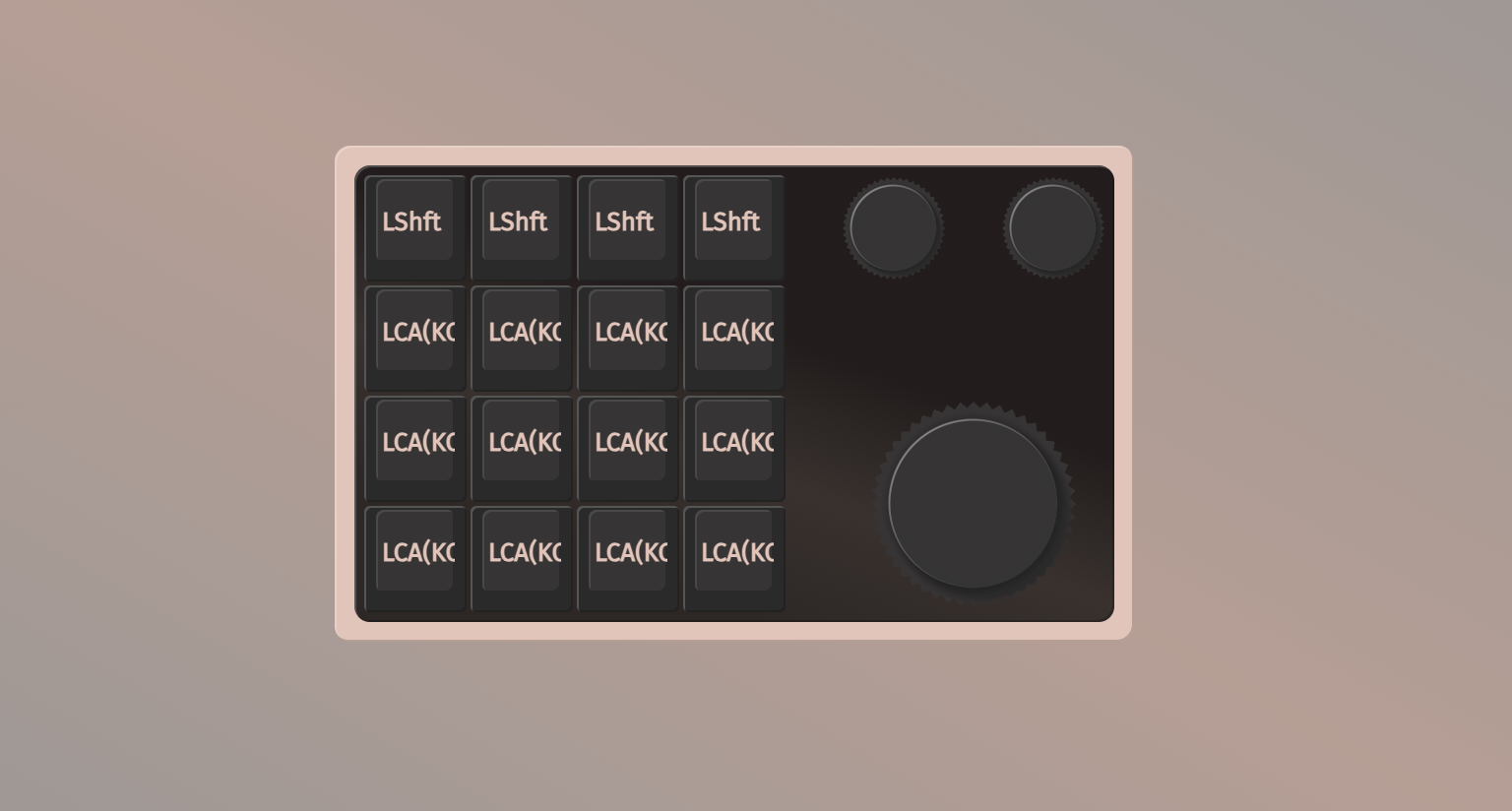
In order to get around this, I had to hunt for obscure keys in the DOIO keymapper that Keyboard Maestro would still recognize and ended up finding a mapping something like this which used the F13-F20 keys along with some asian characters that KBM was ok with.
In the next post I think I'll just give a quick demo of some of the things I've been able to do so far with Keyboard Maestro and my specific macropad.
I'll use the post after that to describe what still needs to happen and the problems I'm currently facing.